
Comparison
Jackery Explorer 1000 v2 vs BLUETTI AC180: Which Fits You?
Jackery 1000 v2 vs BLUETTI AC180: buyer-first comparison of capacity, output, solar, fast charging, UPS behavior, portability, and real backup fit.
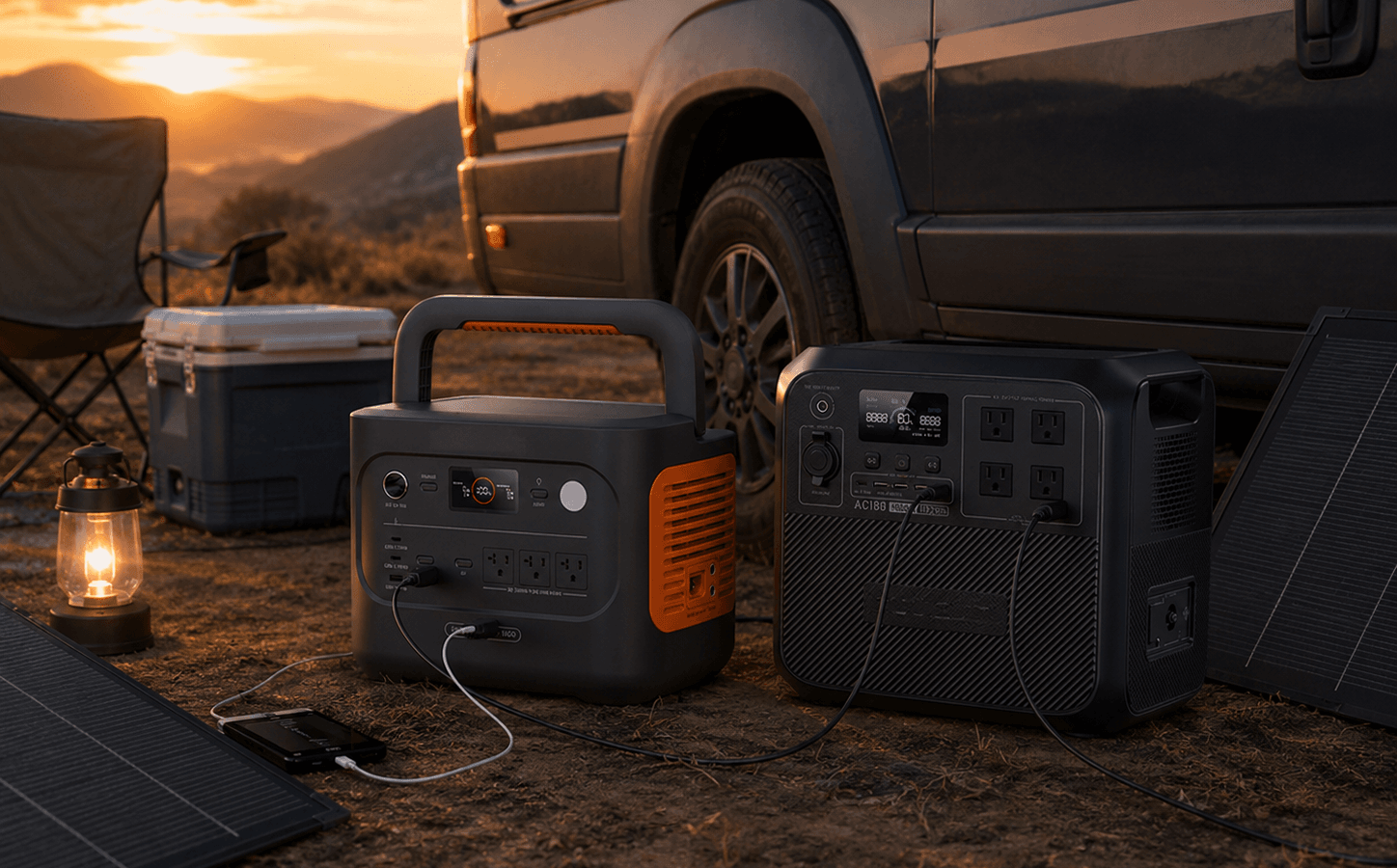
Product Matchup
Side-by-side summary
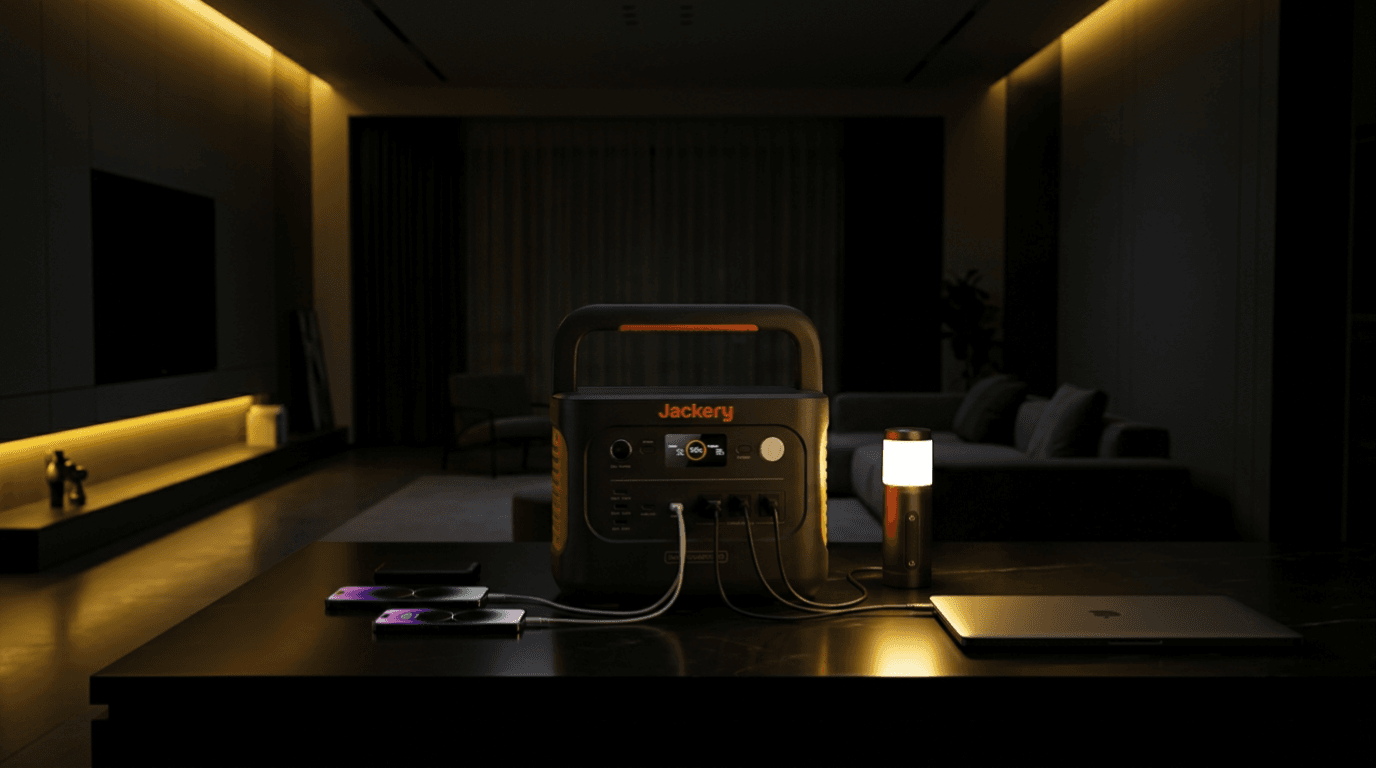
Product A
Jackery Explorer 1000 v2 Portable Power Station
Jackery Explorer 1000 v2 is a 1070Wh LiFePO4 portable power station with 1500W AC output, 3000W surge capacity, app control, and up to 400W solar input. It fits camping, road trips, apartment backup, and light home emergency use.
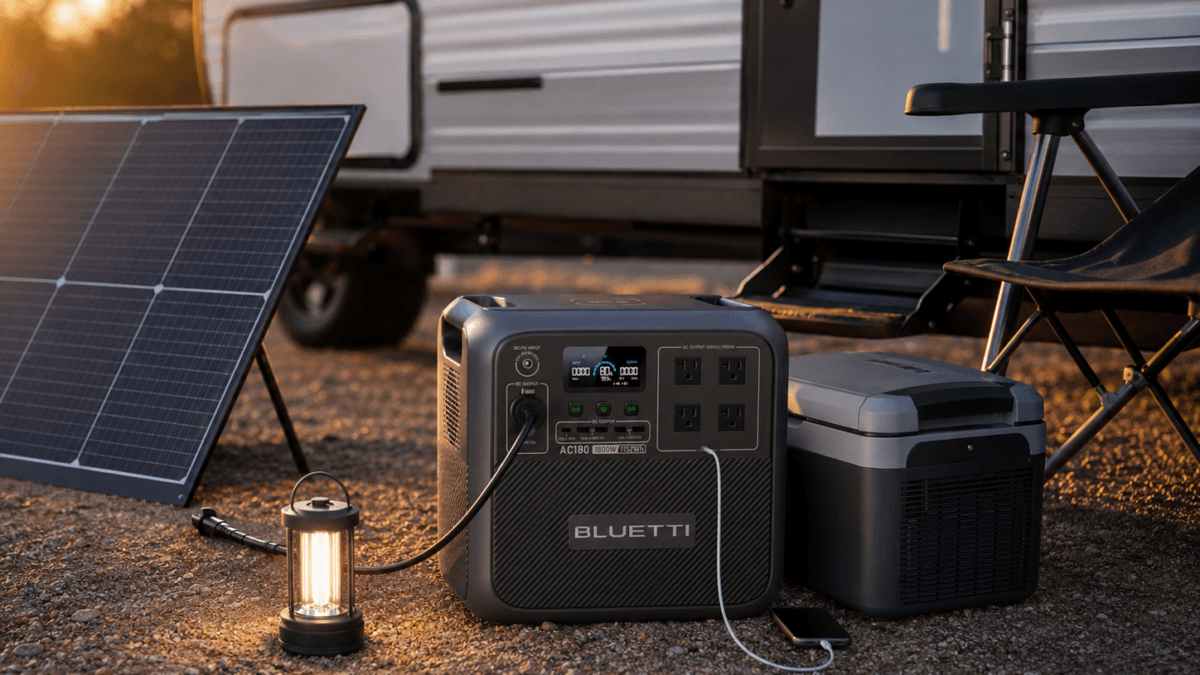
Product B
Overall Winner
BLUETTI AC180 Portable Power Station
The BLUETTI AC180 portable power station delivers 1152Wh LiFePO4 capacity with 45-minute fast charging and 20ms UPS switchover. Built for apartment backup, CPAP users, and buyers who need fast recharge with reliable UPS.
Spec Comparison
Core numbers
| Spec | Jackery Explorer 1000 v2 Portable Power Station | BLUETTI AC180 Portable Power Station |
|---|---|---|
| Capacity | 1070 Wh | 1152 Wh |
| AC Output | 1500 W | 1800 W |
| Solar Input | 400 W | 500 W |
This article may contain affiliate links. If you buy through these links, PowerLabPro may earn a commission at no extra cost to you. As an Amazon Associate I earn from qualifying purchases.
Research note: This comparison is based on current manufacturer specifications, product documentation, and product-listing identity information. PowerLabPro has not performed hands-on laboratory testing. Confirm the exact bundle, included accessories, compatible expansion equipment, and current availability before buying.
The Jackery 1000 v2 vs BLUETTI AC180 decision is not really about picking the model with the larger number on the box. It is about deciding whether you need a lighter power station that you will carry often, or a stronger, heavier unit that will mostly stay ready at home. Jackery gives you 1,070Wh, 1,500W rated output, 400W DC input, and a 23.8 lb carry weight. BLUETTI starts at 1,152Wh, has 1,800W output, 500W solar input, four AC outlets, and a more substantial home-essentials profile.
That makes this Jackery 1000 v2 vs BLUETTI AC180 comparison useful for apartment buyers, campers, road-trip users, home-office workers, CPAP planners, and anyone trying to keep a small number of essentials running during a short outage without buying a much larger system.
Jackery 1000 v2 vs BLUETTI AC180: Quick Verdict
Choose BLUETTI AC180 when the station will mostly live at home, in an apartment, or beside a work setup and you want more output, a little more base capacity, more solar input, four AC outlets, and a current official power-bank expansion path.
Choose Jackery Explorer 1000 v2 when portability is not a side detail. At about 23.8 lb, it is far easier to lift into a vehicle, carry to a campsite, move from a closet to a kitchen, or take on a short trip. Its 1,070Wh battery and 1,500W rated inverter are still enough for many controlled essential-load plans.
Skip both when you need a guaranteed long refrigerator run, whole-home circuits, central air, a sump pump, or long multi-day backup. Those needs normally justify a larger battery class and a written load plan.
Specifications in this article are based on Jackery’s official Explorer 1000 v2 page and BLUETTI’s official AC180 page. For outage planning beyond the products themselves, see Ready.gov’s power outage guidance.

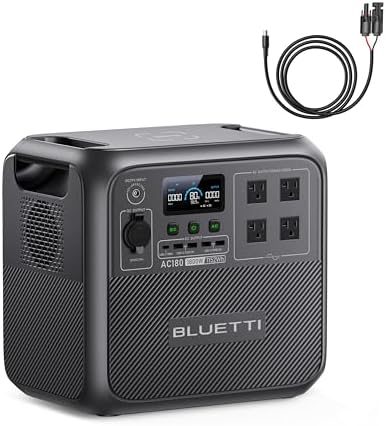
Jackery 1000 v2 vs BLUETTI AC180: Key Specifications
This Jackery 1000 v2 vs BLUETTI AC180 table is the starting point, not the final answer. The rows show the hardware difference; the rest of the article explains when those differences actually affect a purchase decision.
| What matters | Jackery Explorer 1000 v2 | BLUETTI AC180 |
|---|---|---|
| Base capacity | 1,070Wh | 1,152Wh |
| Battery chemistry | LiFePO4 | LiFePO4 |
| Continuous AC output | 1,500W rated | 1,800W total |
| High-load feature | 3,000W surge peak | 2,700W Power Lifting mode for selected heating loads |
| AC outlets | 3 | 4 |
| USB-C | One 100W and one 30W USB-C output | USB-C and other multi-device outputs listed by BLUETTI |
| Solar / DC input | Up to 400W through two DC input ports | Up to 500W solar input |
| Fast AC charging | About 1.58 hours with AC adapter; emergency super charge listed at about one hour | 0-80% in about 45 minutes with 1,440W Turbo input; about 1.3-1.8 hours full |
| Weight | About 23.8 lb | About 35.3 lb |
| Expansion approach | No current add-on battery path listed | Official page lists power-bank expansion options with compatible B80, B230, or B300 batteries |
Jackery 1000 v2 vs BLUETTI AC180: Capacity, Output, and the Real Trade-Off
The capacity gap in this Jackery 1000 v2 vs BLUETTI AC180 comparison is 82Wh. That is useful, but it is not the main reason to choose BLUETTI. The bigger practical difference is its 1,800W continuous inverter versus Jackery’s 1,500W rating.
That 300W difference can matter when a buyer has a mixed load: a router, a laptop charger, a fan, several lights, a small appliance, and perhaps a refrigerator starting up. It does not mean the AC180 will run every appliance for a long time. A 1kWh-class battery can still be drained quickly by heat, cooking, or cooling loads.
Jackery’s 1,500W output is still strong for a portable station. It covers many normal essentials, road-trip loads, small tools, and campsite devices. The lower output only becomes a deciding limitation when your measured load gets close to the limit.
Do not treat BLUETTI Power Lifting as the same thing as a 2,700W continuous inverter. It is a mode for compatible high-power heating devices. Plan around the normal 1,800W continuous rating. Likewise, Jackery’s 3,000W surge helps short startup demand but does not increase its 1,500W continuous rating or its stored energy.
Jackery 1000 v2 vs BLUETTI AC180: Charging, Solar, and Recovery Planning
For buyers who recharge between short outages, charging speed is a genuine part of the Jackery 1000 v2 vs BLUETTI AC180 decision. Jackery lists about 1.58 hours with its AC adapter and an emergency super charge mode that can reach a full charge in about one hour. That makes it easy to top up before leaving home, before a weather event, or between uses.
BLUETTI lists 1,440W Turbo charging, approximately 45 minutes from 0% to 80%, and about 1.3 to 1.8 hours for a full charge. That is a strong recovery profile for a station that may sit ready for an apartment outage or short home interruption.
Solar matters differently. Jackery supports up to 400W DC input through two input ports. BLUETTI lists up to 500W solar input and estimates roughly 2.8 to 3.3 hours under ideal prime-sun conditions. Neither maximum is a promise of real-world charging speed. Shade, panel angle, temperature, cable length, panel compatibility, and weather all change the result.
For a person who owns one portable panel and spends weekends outdoors, the difference between 400W and 500W may not decide the purchase. For a buyer who expects to use a larger compatible portable array as part of an outage plan, the extra BLUETTI solar headroom is more meaningful.
Jackery 1000 v2 vs BLUETTI AC180: Portability, Storage, and Daily Ownership
The weight difference is the most human part of the Jackery 1000 v2 vs BLUETTI AC180 choice. Jackery is roughly 23.8 lb. BLUETTI is roughly 35.3 lb. On a spreadsheet, that is 11.5 lb. In a real home, it changes whether the station comes with you.
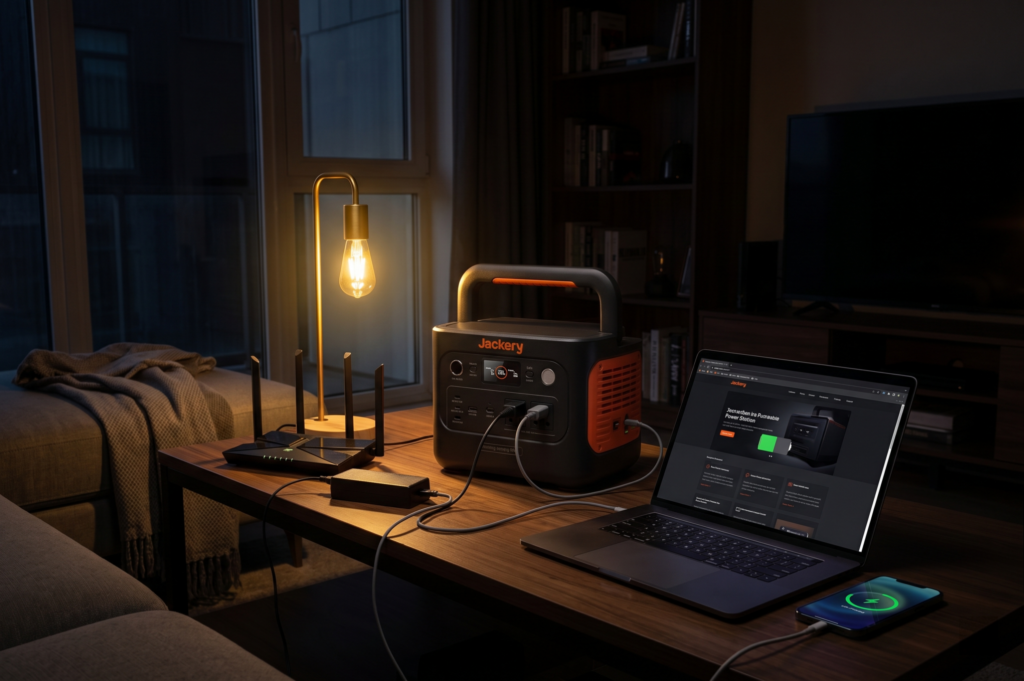
Jackery is easier to take from a closet to a vehicle, from a trunk to a campsite, or from one apartment room to another. That matters for anyone who wants a station that serves emergency backup during the week and camping or travel on weekends.
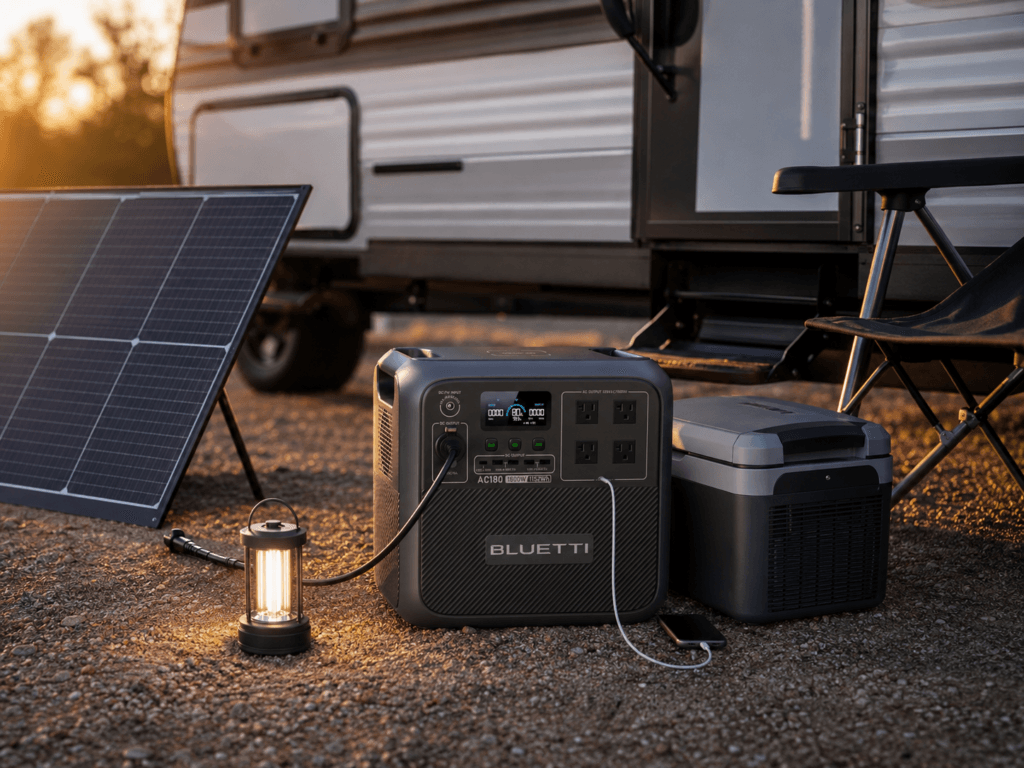
BLUETTI is not impossible to move, but it feels more like a planned piece of equipment. It makes more sense sitting near a home-office setup, an outage shelf, a garage workbench, or an RV storage bay where the extra capacity and output are more valuable than the lowest possible carry weight.
Before ordering either one, decide where it will live when fully charged. A power station you can reach quickly and lift safely is more useful than a larger unit stored in the wrong place.
Jackery 1000 v2 vs BLUETTI AC180: Real Buyer Scenarios
Choose Jackery for a carry-it-often lifestyle
In this Jackery 1000 v2 vs BLUETTI AC180 comparison, Jackery is the better fit for the person who does not want a power station to become a permanent heavy object. It suits car camping, road trips, weekend cabins, tailgates, short outages, laptop work, phones, lights, and a few carefully chosen appliances.
It is also the better psychological fit for a first-time buyer who wants a simple system. The basic plan is easy: charge it, store it near the exit or essentials shelf, use it for the loads that matter, then recharge it after the outage or trip.
Choose BLUETTI for a stronger fixed essentials plan
BLUETTI is the better fit for buyers who think in terms of a defined home kit: router, modem, lights, laptop, phone charging, fan, CPAP planning, and a few selected appliance loads. Its 1,800W output, 1,152Wh capacity, four AC outlets, 500W solar input, and expansion options give it more room to become part of a serious small-backup setup.
It is still not a whole-home battery. The right expectation is selected loads, not every outlet in the house. That is a feature of honest planning, not a weakness of the product.
Jackery 1000 v2 vs BLUETTI AC180 for CPAP, Networking, and Work Gear
For CPAP users, the Jackery 1000 v2 vs BLUETTI AC180 decision should begin with the exact device. Humidifier use, heated hose settings, pressure level, and the machine model can change real power consumption dramatically. Do not buy either unit based only on a generic overnight-runtime claim.
For a router, modem, laptop, phone charging, and LED lighting, both stations have enough capacity for a practical short-outage plan. The choice is more about whether you want to carry the unit often or leave it in place with more output and a larger base battery.
Buyers who need a specific UPS or medical-device behavior should confirm current manufacturer documentation and the device manufacturer’s own requirements. Do not treat a portable power station as a guaranteed medical or zero-interruption solution without that confirmation.
For a dedicated device-planning walkthrough, see the portable power station for CPAP guide.
Jackery 1000 v2 vs BLUETTI AC180 for Refrigerator Backup
Many buyers arrive at a Jackery 1000 v2 vs BLUETTI AC180 comparison because the refrigerator is the one appliance they do not want to lose during an outage. BLUETTI has the stronger paper advantage: more base capacity and more continuous output. But that does not turn it into a guaranteed all-night or all-day refrigerator solution for every kitchen.
Refrigerators cycle. Their compressor startup demand can be higher than their normal running draw. Room temperature, how often the door opens, the age of the appliance, and the other loads connected to the station all change the outcome.
Jackery can still be useful for a limited refrigerator plan, particularly when the fridge is the priority load and the station is not also supporting cooking appliances, heaters, or several devices. BLUETTI gives more margin, but buyers whose main mission is food protection should still compare a larger battery class.
Use the refrigerator backup guide before choosing a power station based on a runtime number from a comment, listing, or social post.
Jackery 1000 v2 vs BLUETTI AC180: Expansion and Long-Term Ownership
Expansion changes the long-term value of the Jackery 1000 v2 vs BLUETTI AC180 comparison. Jackery does not currently list an add-on battery path for the Explorer 1000 v2. The 1,070Wh battery is the capacity you buy.
BLUETTI’s current AC180 page lists compatible B80, B230, and B300 power-bank options, with the page describing a capacity path up to 4,224Wh. That makes BLUETTI the more flexible long-term platform for a buyer who wants to start portable but may need more stored energy later.
Do not assume expansion is automatically the best financial route. Price the complete setup you would realistically need: base station, battery, correct cable, solar panel, and storage space. In some cases, a larger base station can be cleaner than building a smaller unit into a bigger system over time.
Jackery 1000 v2 vs BLUETTI AC180: What to Check Before You Click Buy
Check your load plan
- List the devices that must stay on during an outage.
- Write down their running watts and possible startup demand.
- Decide which loads must run together and which can take turns.
- Set a realistic target for backup hours, not just a vague goal of “all night.”
Check the ownership details
- Confirm the exact Amazon bundle and accessories before ordering.
- Check solar-panel voltage, connector, and input compatibility.
- Confirm how and where you will store the fully charged station.
- Verify whether expansion is genuinely part of your plan or only a future possibility.
The best Jackery 1000 v2 vs BLUETTI AC180 purchase is the one that fits the loads you actually care about. Use What Size Power Station Do I Need? before choosing based on capacity alone.
Alternatives Worth Considering
This Jackery 1000 v2 vs BLUETTI AC180 comparison is useful only if both products are truly close to your needs. Buyers who want more output in a compact 1kWh-class unit should also compare the Anker SOLIX C1000 Gen 2 review. Buyers who want a lighter 1kWh platform with multiple AC outlets and an extra-battery path should read the EcoFlow DELTA 2 review.
For the full product-level breakdowns, see the Jackery Explorer 1000 v2 review and the BLUETTI AC180 review.
Jackery 1000 v2 vs BLUETTI AC180 FAQ
Which one is better for camping?
Jackery is the easier camping choice because it is about 11.5 lb lighter. BLUETTI is better only when extra output, solar input, outlets, and a more expandable setup matter more than carry weight.
Which one is better for a home office?
BLUETTI has the stronger stationary-backup profile because of its higher output and base capacity. Still, confirm the requirements of sensitive equipment before relying on either unit for uninterrupted operation.
Which one is better for a refrigerator?
BLUETTI has more capacity and output, but neither base unit guarantees long refrigerator coverage. The right choice depends on your actual refrigerator and the length of outage you need to cover.
Can either model expand later?
Jackery does not currently list an add-on battery path for the Explorer 1000 v2. BLUETTI’s current AC180 page lists compatible B80, B230, and B300 power-bank options. Verify compatible cables and current documentation before buying expansion hardware.
Is this hands-on tested?
No. This is a researched buyer-fit comparison based on current manufacturer information and product documentation. PowerLabPro does not claim hands-on laboratory testing.
Final Verdict: Jackery 1000 v2 vs BLUETTI AC180
The Jackery 1000 v2 vs BLUETTI AC180 comparison favors BLUETTI for buyers who want a stronger home or apartment essentials station. It offers more base capacity, 1,800W output, 500W solar input, four AC outlets, and a current official expansion route.
Jackery remains the more attractive choice when portability is your deciding factor. Its 23.8 lb weight, 1,070Wh battery, 1,500W output, and fast emergency-charge option make it easier to use for camping, road trips, short outages, and a simple grab-and-go backup plan.
Choose BLUETTI when the station will mostly stay put and do more. Choose Jackery when you want to carry it often and keep the ownership experience simple. Either way, buy from a measured load plan rather than a marketing headline.
Winners by Category
| Overall | BLUETTI AC180: Fast 1.15kWh Backup |
|---|---|
| Value | Tie |
| Portability | Jackery Explorer 1000 v2: Fast 1kWh Backup |
| Output | BLUETTI AC180: Fast 1.15kWh Backup |
| Battery | BLUETTI AC180: Fast 1.15kWh Backup |
Final Verdict
Choose BLUETTI AC180 for more base capacity, 1,800W output, 500W solar input, four AC outlets, and the current official power-bank expansion path. Choose Jackery Explorer 1000 v2 for its lower 23.8 lb carry weight, 1,070Wh base battery, and travel-first role.