
Buying Guide
Best Portable Power Station for Home Office Backup: 4 Picks
Compare the best portable power station for home office backup, including four verified picks for a router, laptop, monitors, phones, and planned outage work.
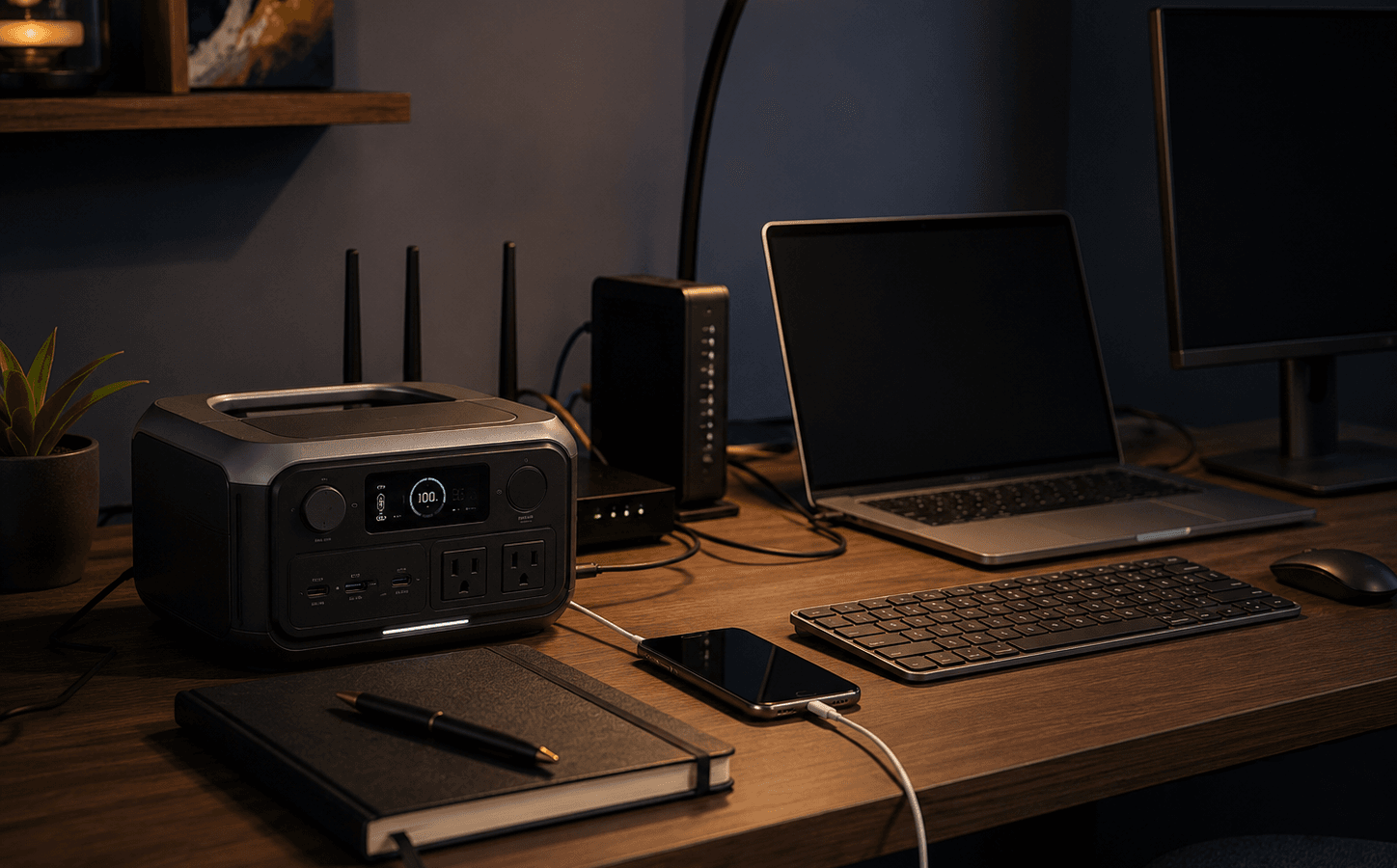
Product Shortlist
Featured products
Product
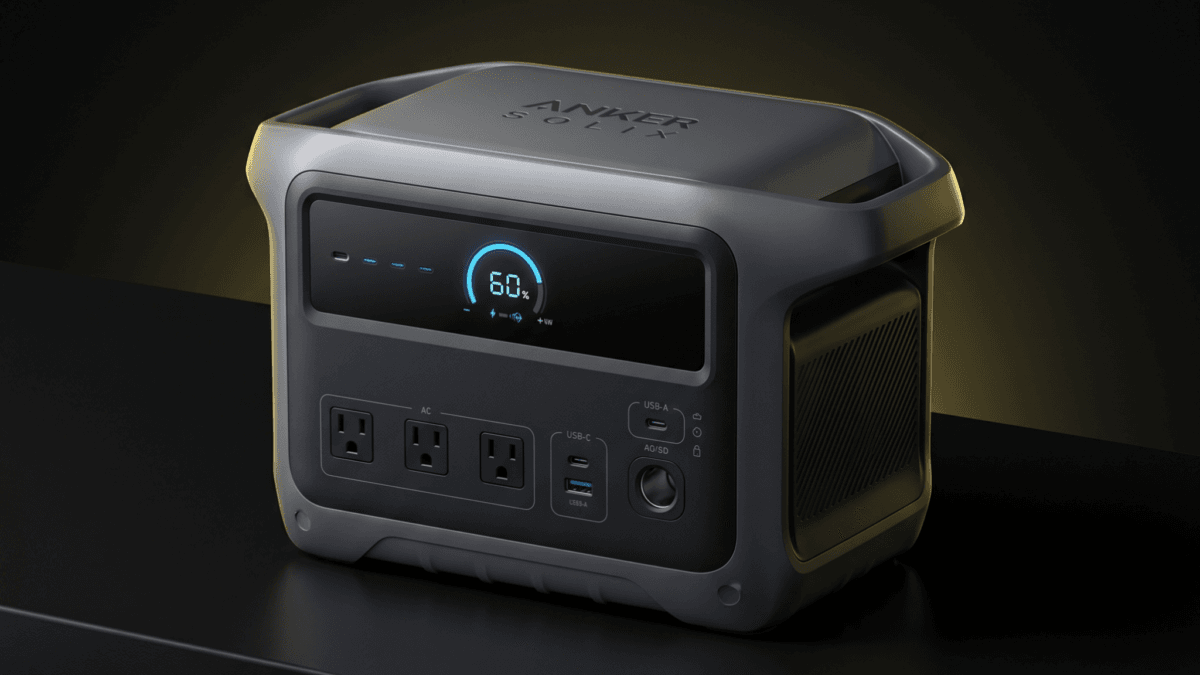
Anker SOLIX C1000 Gen 2 Portable Power Station
Compact 1,024Wh portable power station with 2,000W output, 3,000W peak, 49-minute fast AC recharge, 600W solar input, and 10 ms UPS support for home backup, camping, and RV use.
Product
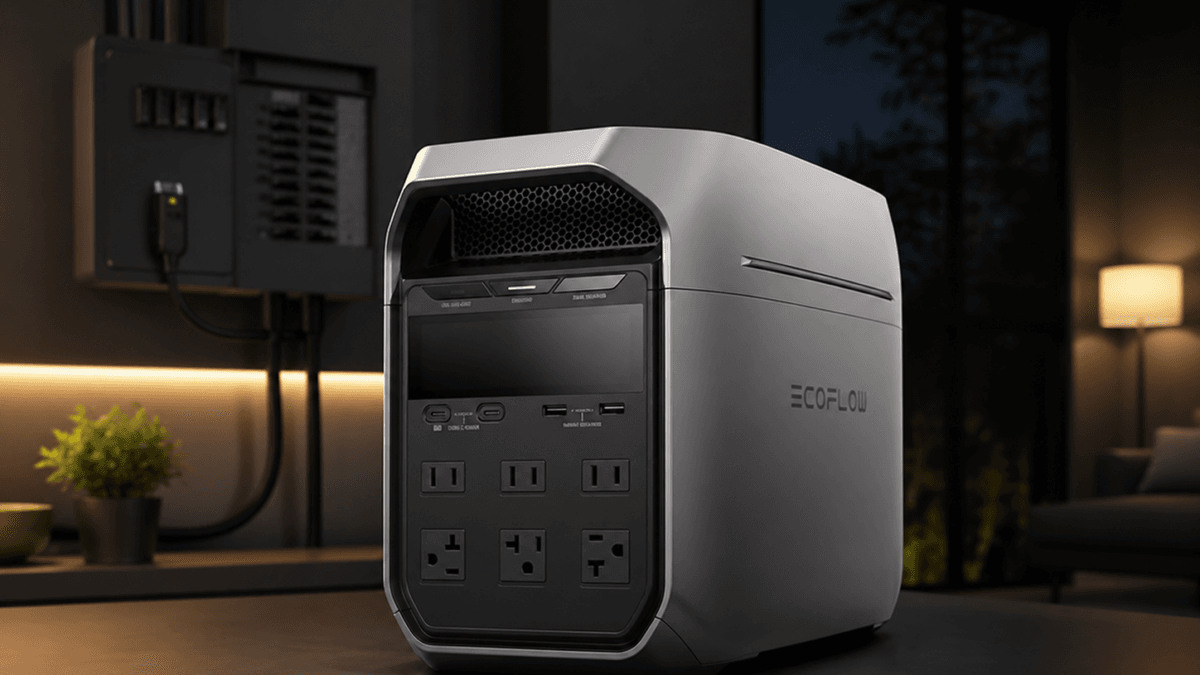
EcoFlow DELTA 3 Plus Portable Power Station
Compact 1,024Wh LFP portable power station with 1,800W AC output, fast recharge, 1,000W max solar input, UPS support, and expandable battery compatibility.
Product
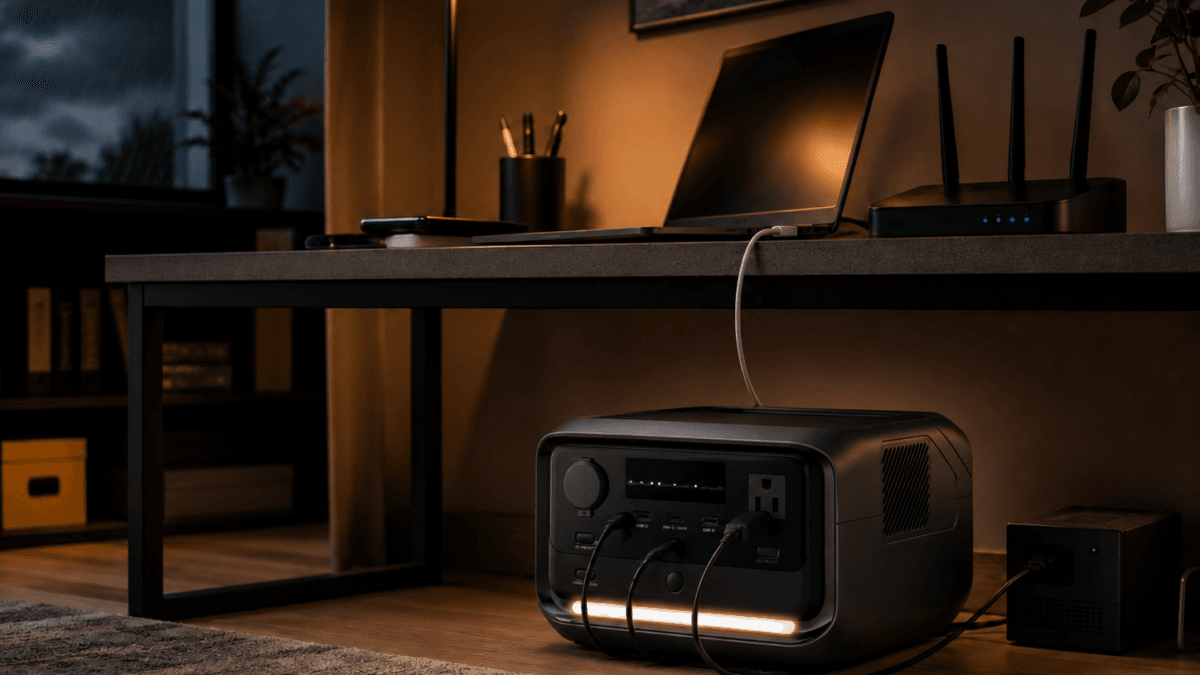
EcoFlow RIVER 3 Plus Portable Power Station
The EcoFlow RIVER 3 Plus portable power station delivers 286Wh LiFePO4 capacity, 600W output, sub-10ms UPS switchover, and 1-hour fast charging in a 10.4 lb unit. Built for home office UPS protection, apartment backup, and lightweight camping power.
Product
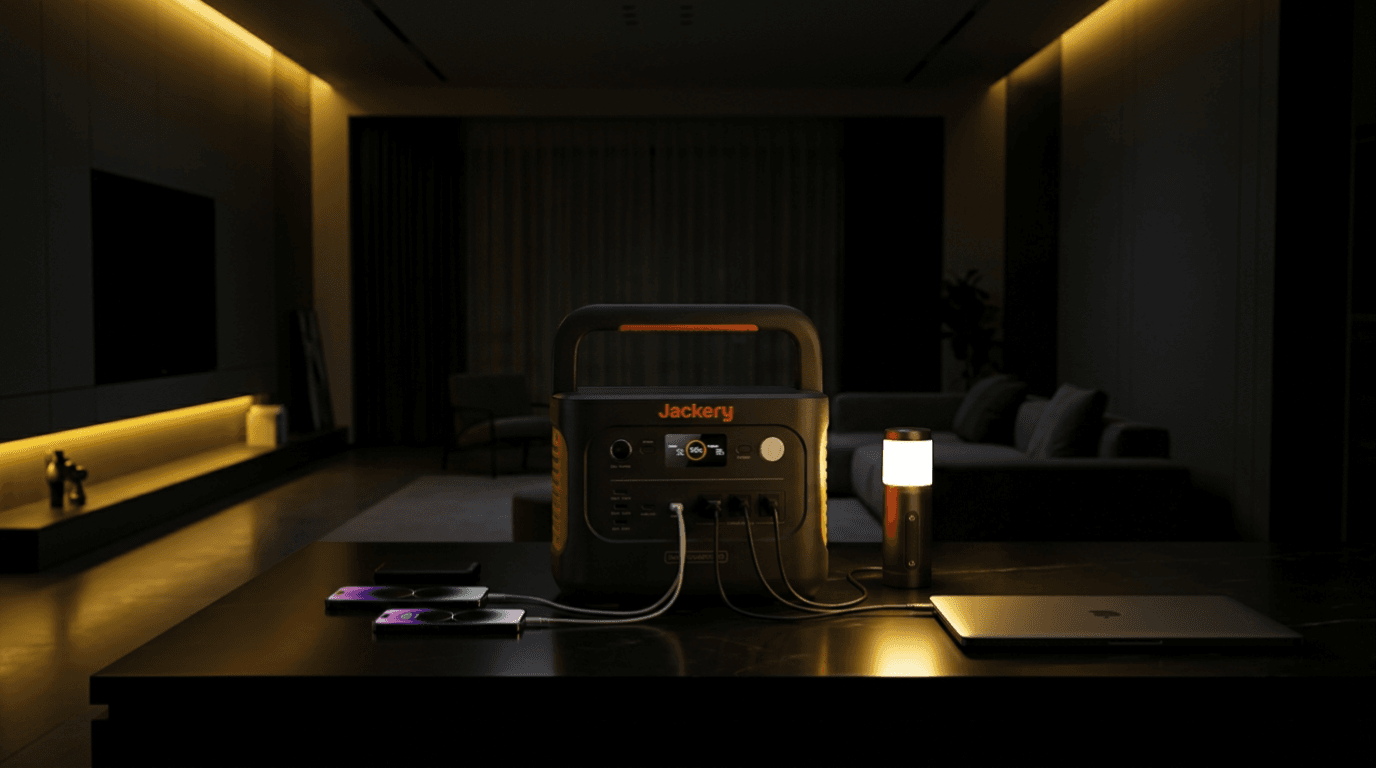
Jackery Explorer 1000 v2 Portable Power Station
Jackery Explorer 1000 v2 is a 1070Wh LiFePO4 portable power station with 1500W AC output, 3000W surge capacity, app control, and up to 400W solar input. It fits camping, road trips, apartment backup, and light home emergency use.
This article may contain affiliate links. If you buy through these links, PowerLabPro may earn a commission at no extra cost to you. As an Amazon Associate I earn from qualifying purchases.
A home office during an outage does not need the same battery as a refrigerator or RV. The real priorities are often a router, laptop, one or two displays, a phone, task lighting, a small fan, and enough reserve to decide whether work can continue or needs a safe shutdown. The best portable power station for home office backup protects the core work zone without wasting capacity on devices that can wait.
This guide focuses on practical remote-work backup, not promises of a full workday. Device use, monitor brightness, router draw, laptop charging, and the number of people sharing the battery can all change the outcome. The recommendations use manufacturer-listed specifications and verified PowerLabPro product data. No test claims or static price claims are used.
The best portable power station for home office backup is often the one that protects connectivity and one productive workstation rather than the entire room.
Quick Verdict: Build a Small, Useful Work Zone
Best compact desk-side pick: EcoFlow RIVER 3 Plus, with a verified 286Wh LiFePO4 battery and 600W AC output.
Best overall home-office battery: EcoFlow DELTA 3 Plus, with a verified 1,024Wh battery and 1,800W AC output.
Best for portable work and travel: Jackery Explorer 1000 v2, with 1,070Wh capacity and 1,500W AC output.
Best for a larger desk setup: Anker SOLIX C1000 Gen 2, combining a 1,024Wh battery with 2,000W AC output.
Treat the best portable power station for home office backup as a tool for staying useful, not a promise that every normal office habit can continue.
Good fit: remote workers, freelancers, students, creators, sales teams, and anyone who needs communications, a work device, and a small workspace to remain useful through a short or moderate outage.
Look elsewhere: you require continuous business servers, whole-home backup, a medical-device solution, or a setup that must meet a particular IT or enterprise power standard.
What a Home Office Battery Needs to Do
The best remote-work plan does not try to recreate every outlet in the house. It preserves communications, the main work device, and the tools needed to make a good decision about the rest of the day. A useful best portable power station for home office backup needs to fit the actual desk, not a hypothetical all-day office.
- Core communications: Prioritize modem, router, phone, and laptop before any convenience load.
- Real workspace demand: Desktop towers, high-refresh monitors, printers, ring lights, and external drives can draw more than a simple laptop setup.
- Portability and storage: A desk-side power station must be easy to store, easy to deploy, and safe to keep clear of foot traffic.
- Recharge plan: Consider how the station returns to ready status after the outage. A battery that cannot be recharged conveniently is not ideal for frequent interruptions.
A good home-office plan also includes a charger bank, offline access to important files, and safe shutdown settings for devices that cannot run indefinitely.
That is the standard for the best portable power station for home office backup: enough verified power for the work kit you will actually use.
Best Portable Power Station for Home Office Backup: Simple Comparison
| Product | Best for | Verified starting point | Key trade-off |
|---|---|---|---|
| EcoFlow RIVER 3 Plus | router, laptop, phone, and light desk essentials | 286Wh / 600W AC | limited reserve for a larger desktop arrangement |
| EcoFlow DELTA 3 Plus | full desk plus router and selected household essentials | 1,024Wh / 1,800W AC | more capacity and storage space than a minimalist setup needs |
| Jackery Explorer 1000 v2 | portable work, travel, and extended essential power | 1,070Wh / 1,500W AC | less output headroom than some 1kWh alternatives |
| Anker SOLIX C1000 Gen 2 | desktop, monitors, router, and larger work zones | 1,024Wh / 2,000W AC | larger battery to store and manage |
Do not choose based only on total capacity. The desk, charging habits, and number of connected devices make the practical difference. The best portable power station for home office backup should reflect the number of displays, chargers, and people sharing the battery.
1. EcoFlow RIVER 3 Plus: Best Compact Power for Router and Laptop Work
The EcoFlow RIVER 3 Plus is the compact option for a disciplined desk. Its verified 286Wh LiFePO4 battery and 600W AC output are suited to a router, modem, laptop, phone, LED task light, and other low-demand work essentials.
This is the right size when minimalism is a feature. The unit can stay close to the work area without feeling like a larger emergency system. Its limitation is that a desktop tower, several monitors, high-output charging, and household loads can quickly consume a small base battery.
Best for: a laptop-first worker who needs communications and a modest desk to stay online
Skip it if: you routinely run a desktop, multiple displays, an office printer, and other appliances at the same time
Main trade-off: 286Wh is intentionally compact, so every connected device matters
For focused remote work, it is the best portable power station for home office backup when small size matters most.
For a lean desk, this is the best portable power station for home office backup when the goal is communications and a laptop, not a full desktop ecosystem.
Read the detailed EcoFlow RIVER 3 Plus review.

- [<10 MS UPS]-The RIVER 3 Plus power station ensures <10 ms switchover for premium UPS protection, securing your home off...
- [Power up to 1200W]-RIVER 3 Plus portable power station delivers a steady 600W and surges to 1200W with X-Boost. It feat…
- [2× Runtime & Ultra-Quiet]-The RIVER 3 Plus battery generator, powered by X-GaNPower, boosts energy efficiency, giving y…
2. EcoFlow DELTA 3 Plus: Best Overall for a Full Home Office
The EcoFlow DELTA 3 Plus is the balanced lead pick for a more complete work zone. Its verified 1,024Wh LiFePO4 battery and 1,800W AC output can support a router, laptop, desktop or displays within the output plan, charging, task lights, and selected low-demand home essentials.
Its advantage is breathing room. A 1kWh-class battery lets a remote worker use the setup more intentionally instead of unplugging every device as soon as the outage begins. That does not make it a guarantee of an eight-hour shift, but it can make the workday more manageable.
Best for: a desk with multiple communications and computing loads that needs more than a short bridge
Skip it if: your work is laptop-only and the smallest portable battery would clearly cover it
Main trade-off: more battery means more storage space and a longer recharge routine
For most remote workers, it is the best portable power station for home office backup because it balances capacity, output, and practical desk use.
This makes it the best portable power station for home office backup for a broader desk that needs legitimate battery reserve.
Read the EcoFlow DELTA 3 Plus review.

- 5 Fast Charging Options. With 1500W AC input, it charges to 80% in 40 mins. Solar charging reaches 80% in 1 hr, 100% in …
- Durable and Reliable for 10 Years. Powered by LiFePO4 (LFP) cells, with 4000 cycles to 80%, offering 25% more durability…
- Flexible Expansion up to 5kWh. The DELTA 3 Series seamlessly integrates with EcoFlow’s ecosystem, enabling the addition …
3. Jackery Explorer 1000 v2: Best for Portable Work Beyond the Desk
The Jackery Explorer 1000 v2 brings a verified 1,070Wh LiFePO4 battery and 1,500W AC output. It is useful for the person whose work does not always happen at one desk: a photographer, field technician, traveling consultant, or anyone who wants one battery for home-office outages and portable use.
It is not the raw-output winner in this list, but it has enough scale for carefully chosen work devices and a simplified office setup. The key is to decide whether the value is portability and a modest working kit or maximum inverter headroom for a bigger desk.
Best for: a hybrid worker who wants a 1kWh battery that can move between home, vehicle, and temporary work locations
Skip it if: you know your desk setup needs more output headroom than 1,500W
Main trade-off: less continuous output than the 1,800W and 2,000W alternatives
This can be the best portable power station for home office backup when your work kit must travel as well as cover outages.
That versatility can make it the best portable power station for home office backup for a worker who cannot leave the battery at one location.
Use the Jackery Explorer 1000 v2 review.

- Powerful yet Compact: Boasting a 1,500W AC output and a 3,000W surge peak, the Solar Generator 1000 V2 can power multipl…
- One Hour Fast Charging: Charge your Explorer 1000 v2 Portable Power Station from 0% to 100% battery level in just one ho…
- 10 Year Lifespan: The Explorer 1000 v2 portable power station is equipped with a durable LFP battery, maintaining over 7…
4. Anker SOLIX C1000 Gen 2: Best for a Larger Desk and More Devices
The Anker SOLIX C1000 Gen 2 adds a verified 1,024Wh LiFePO4 battery and 2,000W AC output. It makes sense for an office that has a desktop, multiple monitors, router, laptop, phone chargers, and possibly a few controlled household loads that must remain on during a short outage.
The benefit is output flexibility. A larger desk sometimes has a surprising number of power bricks and accessories. Still, you should not load the station as though every device is essential. A better approach is to define a core work kit, then add only what supports the job.
Best for: desktop and multi-monitor workers with a more demanding but still carefully managed setup
Skip it if: you only need a laptop, modem, and phone for a few hours
Main trade-off: larger physical footprint compared with the compact RIVER 3 Plus
It is one of the best portable power station for home office backup choices when a larger desk needs more output margin.
This is a best portable power station for home office backup option when the desk has more demand but the load list is still controlled.
Use the Anker SOLIX C1000 Gen 2 review.
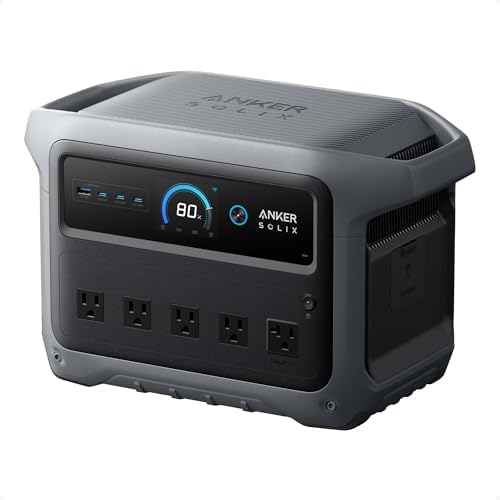
- 49 Min UltraFast Recharging: With upgraded HyperFlash tech, fully recharge at 1,600W—for outage prepping, camping trips,…
- 2,000W Output via 10 Ports: Delivers 2,000W (3,000W peak) and 1,024Wh capacity. Power up to 10 devices—ideal for emergen…
- Compact and Portable: Easily carry, store, and move from room to room, your RV, or even on beach and park outings. C1000…
Plan a Workday Outage Kit, Not a Miniature House
The most effective office backup is a short list of devices that protect your ability to communicate, think, and make the next decision. A best portable power station for home office backup plan is a core load list, a safe placement choice, and a planned shutdown threshold.
1. Start with connectivity
Keep the modem and router at the top of the list. A charged laptop without internet may not solve the work problem. If cellular service is also unreliable, plan an offline fallback for key files and contacts.
2. Build a core desk load
Choose one computer, one display if it improves productivity, a phone charger, and task lighting. Avoid adding printers, decorative lighting, speakers, and high-draw comfort devices until you know the reserve is adequate.
3. Decide when to shut down
A battery gives you time, not an obligation to work through every outage. Set a minimum charge threshold for safe shutdown or decide which client-facing work must continue first.
4. Keep cables calm
Place the station where it will not be kicked, blocked, or overheated. Route cords away from chair wheels and walkways, and do a practice setup before a storm interrupts your schedule.
Use the best portable power station for home office backup to build a smaller, more deliberate work zone before the next outage arrives.
For a broader capacity calculation, use the PowerLabPro’s sizing guide.
Home-Office Backup Mistakes to Avoid
- Powering every device in the room: The goal is a work zone, not a normal house. Remove convenience loads first.
- Ignoring router placement: A battery at the desk will not help if the modem and router are across the house without a planned connection.
- Assuming a laptop battery is enough: The laptop may last, but internet gear, displays, and charging still need a plan.
- Skipping offline preparation: Download needed files and keep phone numbers or key documents available before an outage.
- Forgetting the shutdown threshold: Decide what battery percentage triggers a safe, organized shutdown rather than waiting for an abrupt cutoff.
A simple, tested work kit usually keeps a remote worker productive longer than a large battery plugged into an unplanned desk. The best portable power station for home office backup works better when a homeowner treats internet access and file access as separate needs.
Home Office Power Station FAQ
What is the best size power station for a home office?
A compact unit can suit a laptop, router, phone, and light. A 1kWh-class station is more practical when you add a desktop, monitors, multiple devices, or longer outage planning.
Can a power station run a desktop computer and monitor?
Many can, but verify the desktop’s power-supply rating, monitor draw, and the station’s rated AC output. Keep nonessential desk loads disconnected until you know the reserve.
Should I choose a UPS or a portable power station?
They serve overlapping but different roles. A dedicated UPS can be better for a specific sensitive device and fast transition; a portable power station can add more stored energy and outlets for a longer outage.
How do I make a home-office backup last longer?
Prioritize router, laptop or desktop, one display, phone charging, and task lighting. Reduce brightness, unplug idle chargers, and decide which work can wait.
Can I use a portable power station every day?
Follow the manufacturer guidance for charging and storage. A regular test and recharge routine is more useful than leaving the battery forgotten until an emergency.
Ask which best portable power station for home office backup setup can keep the most important work moving without creating a cord or heat problem.
Final Take: Protect the Work That Matters First
EcoFlow RIVER 3 Plus is the clean compact choice for a router-and-laptop plan. EcoFlow DELTA 3 Plus is the best overall home-office battery for most buyers who need 1kWh-class reserve. Jackery Explorer 1000 v2 fits portable work, while Anker SOLIX C1000 Gen 2 gives a larger desk more output margin.
The best portable power station for home office backup is the one that keeps communications and the core work device usable without wasting capacity on devices that can wait.
Set up the simplified desk in advance, test it once, and leave enough battery for a safe shutdown if the outage lasts longer than expected.
The best portable power station for home office backup should improve the day, not turn a power outage into an untested electrical experiment.
Final Recommendation
Choose EcoFlow DELTA 3 Plus for the best overall balance of home-office capacity and output. Choose EcoFlow RIVER 3 Plus for a compact router-and-laptop kit, Jackery Explorer 1000 v2 when the battery also needs to travel, or Anker SOLIX C1000 Gen 2 for a larger desktop and monitor setup. Build a smaller core work zone, test it once, and reserve enough power for an orderly shutdown.
Frequently Asked Questions
What size power station works for a home office?
A compact unit can cover a router, laptop, phone, and task light. A 1kWh-class station is more practical for a desktop, monitors, several devices, or a longer outage.
Can a power station run a desktop and monitor?
Many can, but verify the computer power supply, monitor draw, and the station's rated AC output before building the plan.
What should I power first?
Start with the modem, router, one main work device, phone charging, and only the lighting or display equipment that supports productive work.
How can I make the backup last longer?
Reduce the device list, lower display brightness, unplug idle chargers, keep a shutdown threshold, and save the reserve for connectivity.
Should I have an offline work plan too?
Yes. Keep important files, contacts, and customer information accessible even if internet service is unavailable.